
Setting up your first database with Database Wizard
Because your hosting uses MariaDB, you can create and manage databases using Database Wizard in cPanel.
To set up a database:
- Log in to cPanel and go to the Databases section.
- Click on Database Wizard.
Step 1: Create the database In the New Database field, enter a name for your MariaDB database. When ready, click Next Step.
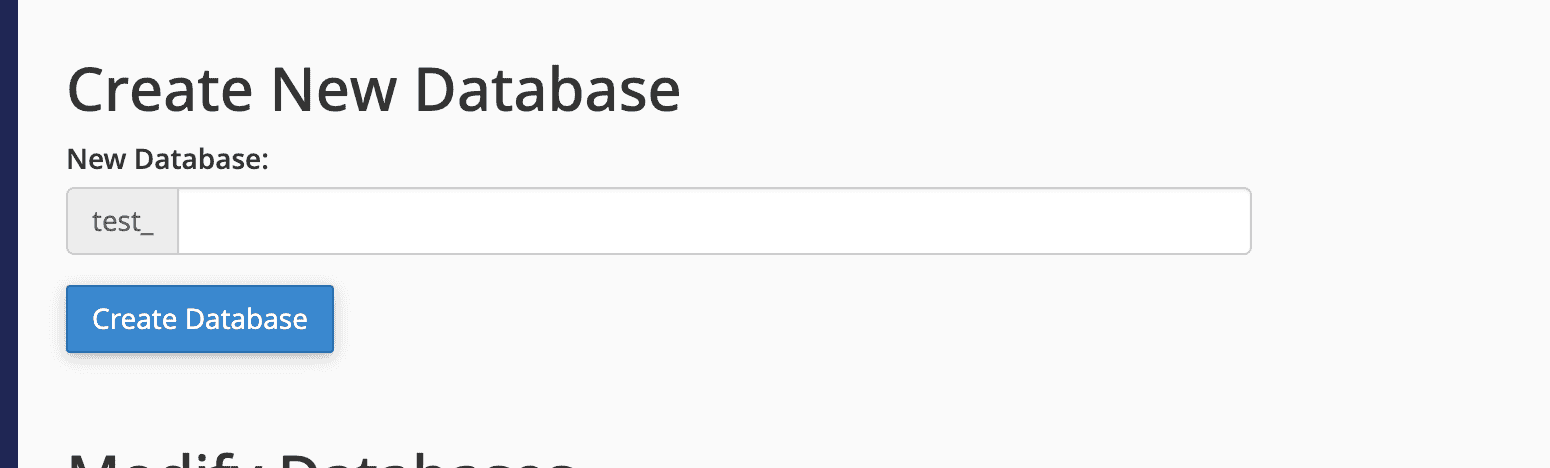
Step 2: Create a database user
In the Username field, enter a name for the database user. Enter and confirm the password in the corresponding fields. When finished, click Create User.
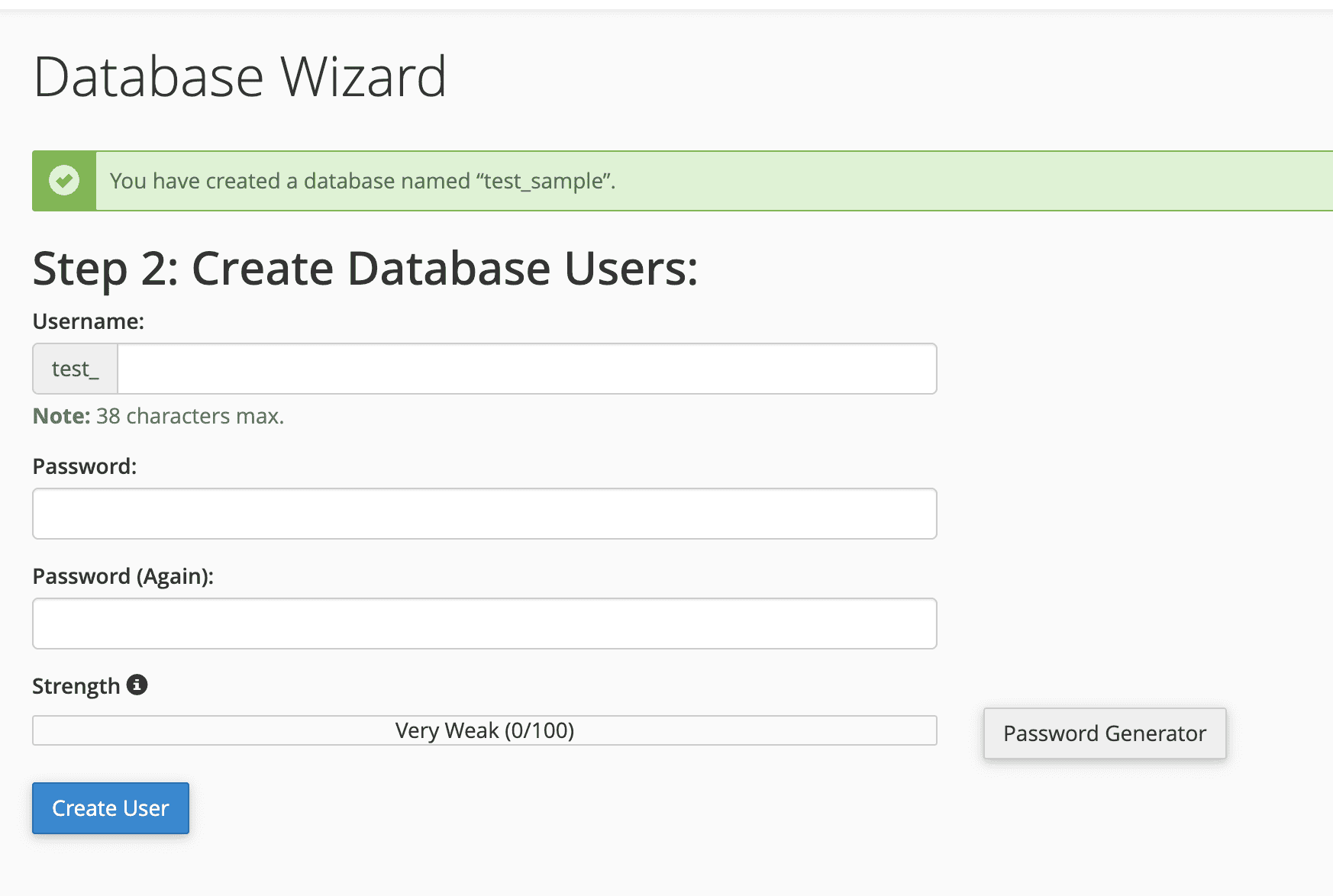
Step 3: Assign privileges
On the next screen, select the privileges you want to grant to the user. To allow full access, select All Privileges. Click Next Step to complete the process.

That’s it. Your MariaDB database has been created and the user has been successfully added with the selected privileges.
After completing this process, you can use Database Wizard again to create additional databases or users, or manage existing databases using Manage My Databases or phpMyAdmin.