
Modifying a Database User’s Privileges (MariaDB)
To modify a database user’s privileges in cPanel:
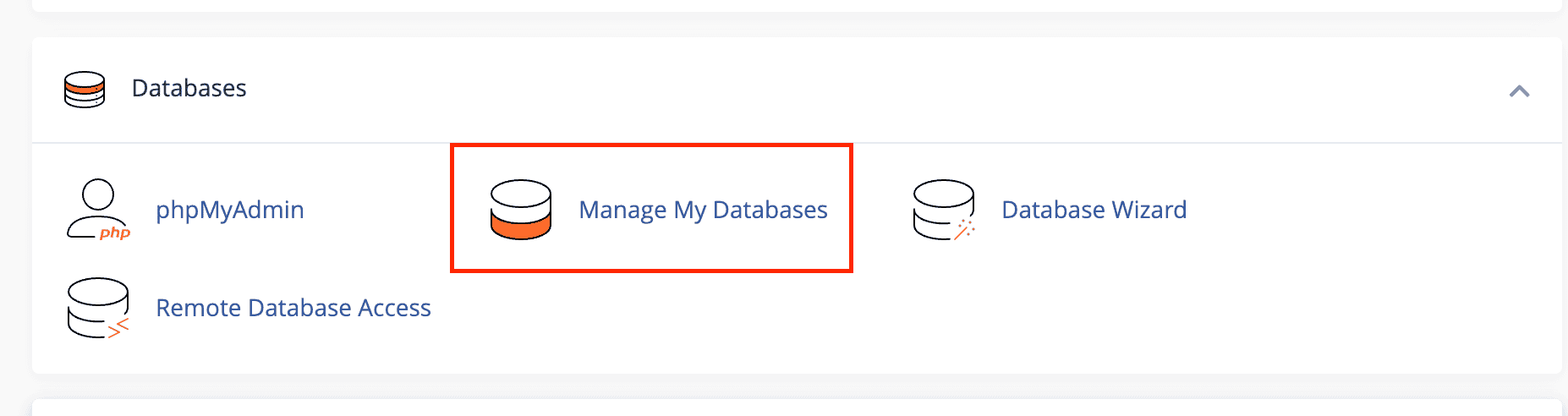
- Log in to cPanel and go to the Databases section.
- Click on Manage My Databases.
- Scroll down to the Current Databases section.
- Locate the database and the user whose privileges you want to change.
- Click on the username to open the Manage User Privileges interface.

- Select or unselect the privileges you want to grant to the user.
- When finished, click Make Changes to apply the updates.
These changes will immediately affect the user’s access and permissions for the selected MariaDB database.